





















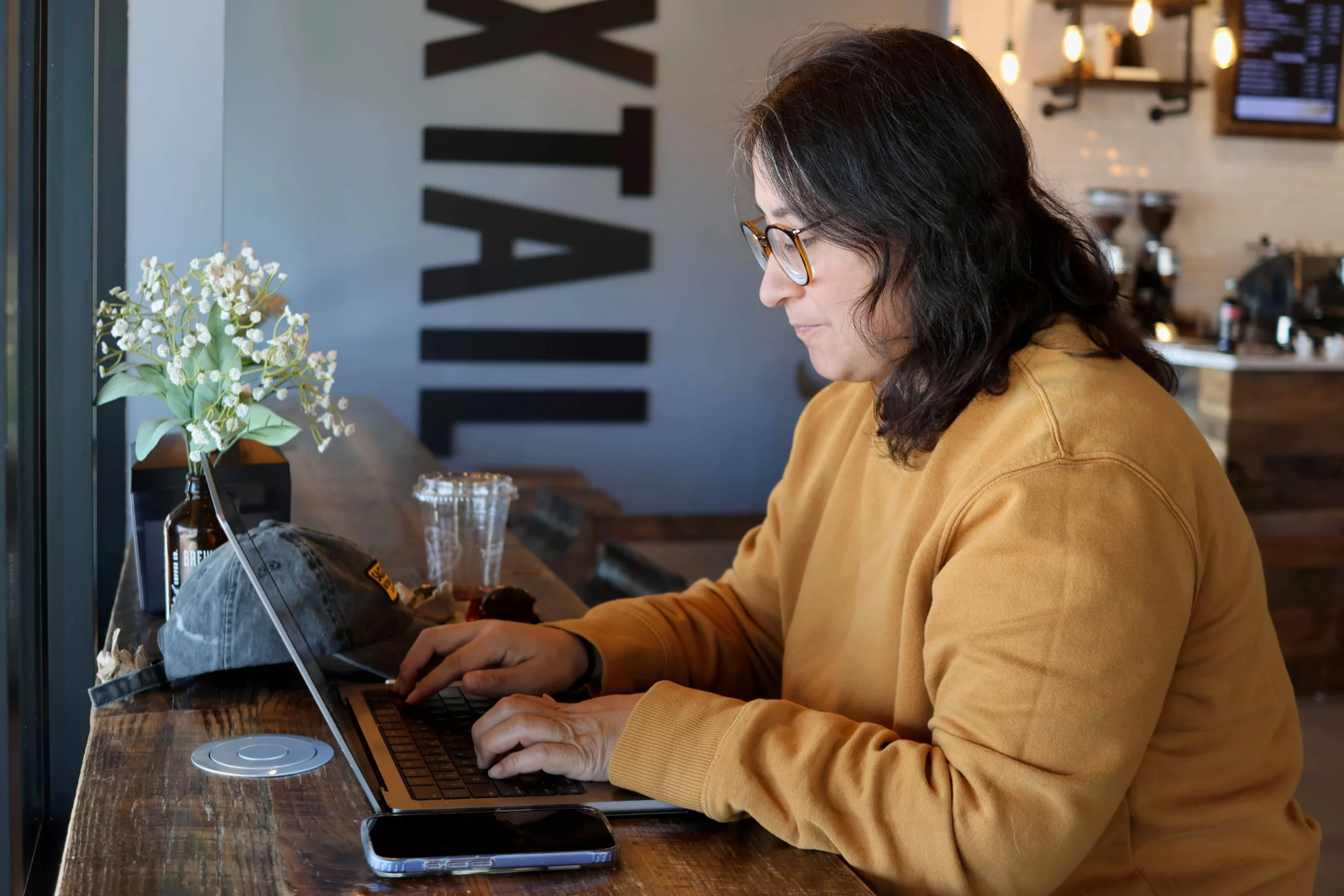
As remote and hybrid work becomes the global standard, many professionals now rely on cafés, airports, hotel lounges, and co-working spaces as their everyday offices. While this flexibility offers convenience and freedom, it also introduces serious privacy and cybersecurity risks that workers often overlook.
From unsecured Wi-Fi networks to prying eyes in crowded spaces, experts warn that working in public requires careful attention to both digital and physical security.
Remote Work Freedom Comes With Hidden Risks
The rise of high-speed internet and the shift accelerated by the pandemic have made it easier than ever to work from almost anywhere. However, this convenience can expose sensitive company data and personal information if proper precautions are not taken.
Many organizations now provide remote work policies that include security guidelines for employees working outside traditional offices. Some even restrict work from certain public environments or high-risk regions due to data protection concerns.
Security guidance issued by government bodies also highlights that public locations are inherently less secure, as they may allow access to individuals without authorization or clearance to view sensitive information.
Always Check Employer Security Policies First
Before setting up work in a café or while traveling, employees should review their company’s remote work rules. These policies may include:
- Approved locations for remote work
- Data protection requirements
- Restrictions on accessing confidential systems abroad
- Mandatory use of secure networks or VPNs
Following these guidelines helps reduce the risk of data leaks and ensures compliance with organizational security standards.
Protect Your Screen From Visual Exposure
Public spaces are often crowded, making it easy for others to unintentionally view your screen—or intentionally glance at sensitive information.
Security experts recommend simple but effective precautions such as:
- Choosing a seat with your back against a wall
- Avoiding high-traffic seating areas
- Using a privacy screen filter that limits viewing angles
These small adjustments can significantly reduce the risk of “shoulder surfing,” where someone nearby views your screen without permission.
Public Wi-Fi: Convenient but High Risk
Free Wi-Fi in cafés, airports, and hotels may be tempting, but it is also one of the most common cybersecurity vulnerabilities.
Unsecured or poorly protected networks can allow attackers to intercept data or even create fake hotspots that mimic legitimate ones. Once connected, users may unknowingly expose passwords, emails, and confidential files.
Security authorities advise:
- Avoiding open or unprotected Wi-Fi networks
- Being cautious even when a network requires a password
- Watching out for fake or duplicate network names
Safer Alternatives: Hotspots and VPNs
To stay protected while working remotely, experts recommend using more secure connectivity options.
A mobile hotspot, created through a smartphone, offers a safer connection by relying on cellular data instead of public networks. It reduces exposure to cyber threats commonly found on shared Wi-Fi.
Additionally, a virtual private network (VPN) adds another layer of protection by encrypting internet traffic and routing it through secure servers. Many companies provide VPN access, but independent users can also subscribe to trusted providers.
Don’t Overlook Physical and Audio Security
Digital safety is only part of the equation. Physical awareness is equally important when working in public environments.
Experts advise workers to:

- Keep laptops and devices within sight at all times
- Take belongings when stepping away, even briefly
- Avoid discussing confidential matters in open spaces
In noisy public areas, it may be tempting to speak louder during calls, but this can increase the risk of sensitive conversations being overheard by strangers or recorded unintentionally through smart devices.
Final Thoughts
Remote work offers unmatched flexibility, but it also demands stronger security awareness. Simple precautions—such as securing your screen, avoiding public Wi-Fi, and using encrypted connections—can significantly reduce risks.
As the modern workforce continues to evolve, staying alert in public workspaces is no longer optional; it is essential.